Official announcements
Pinned to the top, with a notification.
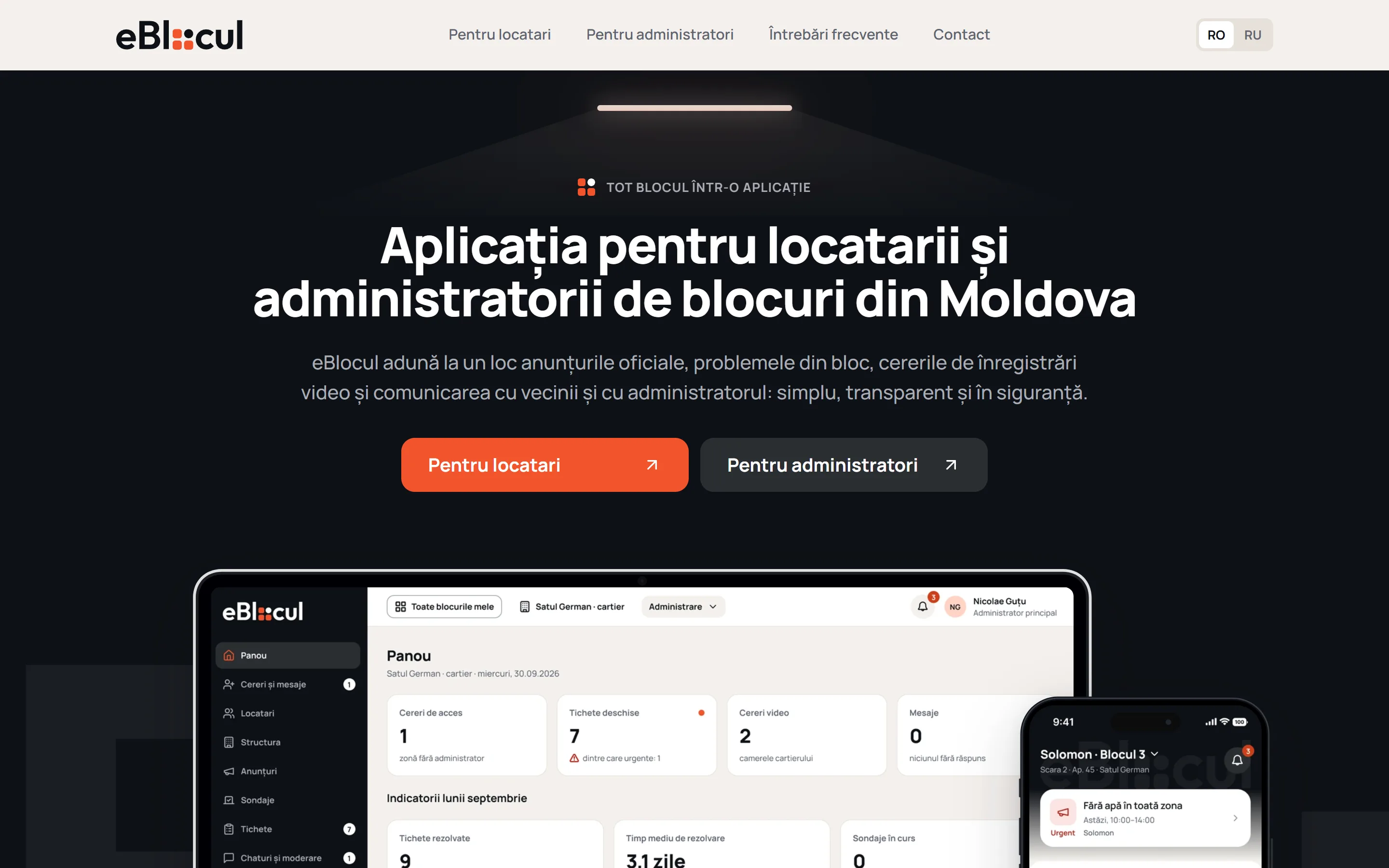
Residents, administrators and security in one product: issue reports, video and the gate – two interfaces and a website.
Speed and quality
Lighthouse results for eblocul.md.
Performance
Page load speed and responsiveness
Accessibility
Contrast, labels and keyboard navigation
Best practices
Security and modern web standards
Search engine optimisation
Markup that search engines understand
Challenge and solution
Announcements get lost in Viber; camera footage is available only on request. Three roles – three screens.
Website screens
Eight screens: four on desktop and four on mobile.
The same blocks in one column.
App screens on the page.
All about the panel in one column.
App screens
Six of the 211 screens: what residents open the app for.
Panel screens
Six of the 757 screens: four in the web panel and two on mobile.
For your product
If there are several roles, we start with who sees what.
When you need a standalone product
Guides users through the flow by role, with AI helping where needed.
Learn moreWhen there is a lot of routine
Processes documents, keeps records and prepares drafts.
Learn moreWhen your site has fallen behind your company
We rebuild the structure and interface around your current goals.
Learn moreNext step
Tell us who does what in the process – we'll propose the screens and the order of work.
From task to implementation
We name the scope, timeline and support after reviewing your task.
Stages, people involved, sources and data quality.
Responsibility, human review and acceptance criteria.
We build the solution and test it against scenarios.
We launch and support it within the agreed scope.






